Low-friction logging
Swipe-first logging makes consistency feel effortless.
Ultra low-friction calorie tracking
Caligo keeps calorie logging frictionless and adjusts targets based on your weight trends, so you can focus on habits instead of perfect entries.
Built for people who are sick of calorie trackers.
How it works
Designed for steady habits, not all-day logging.
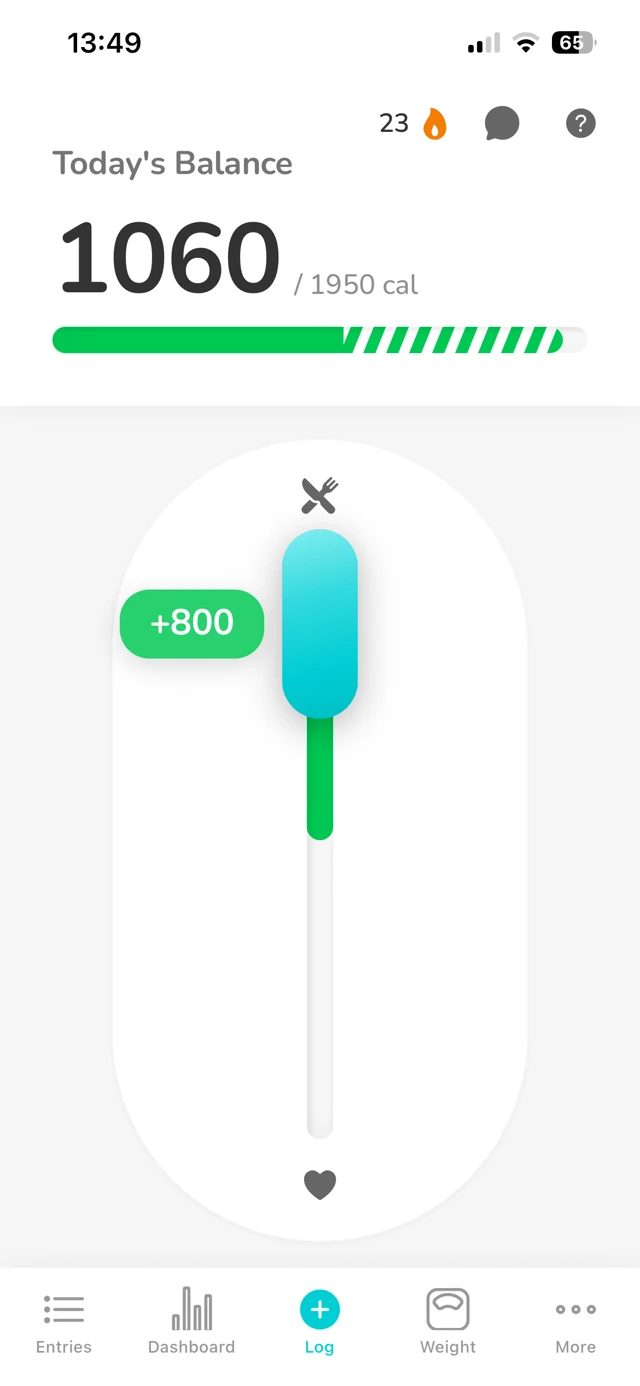
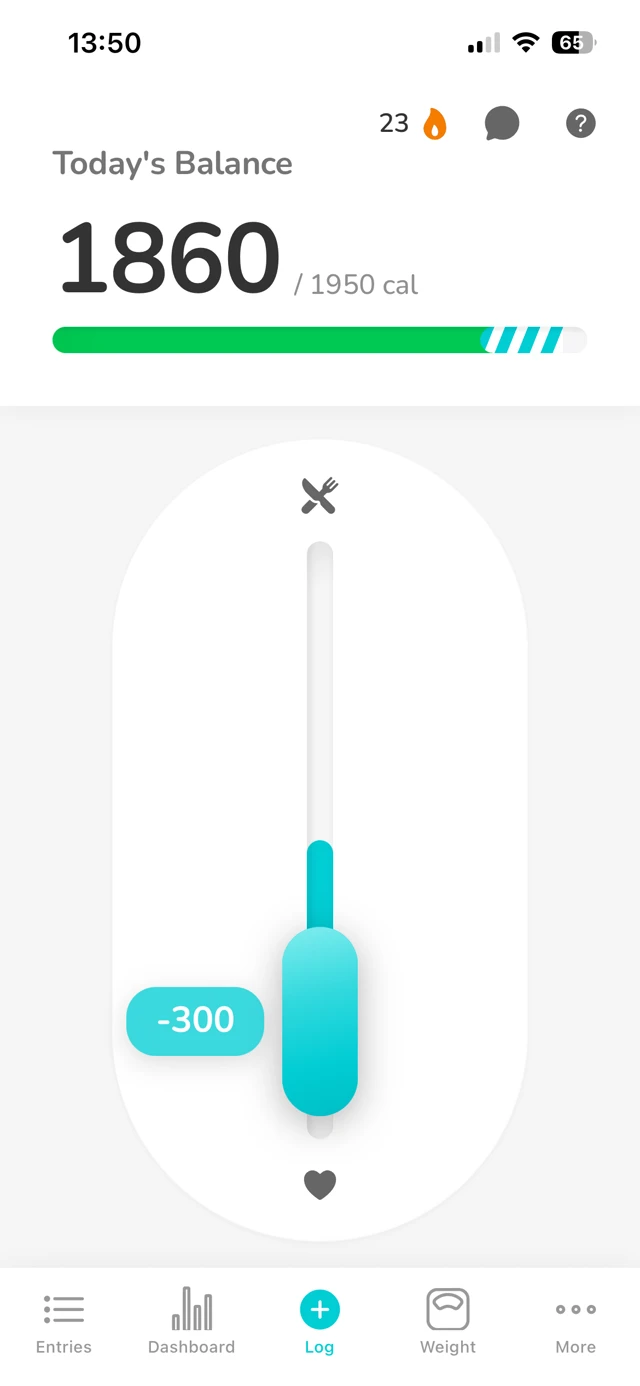
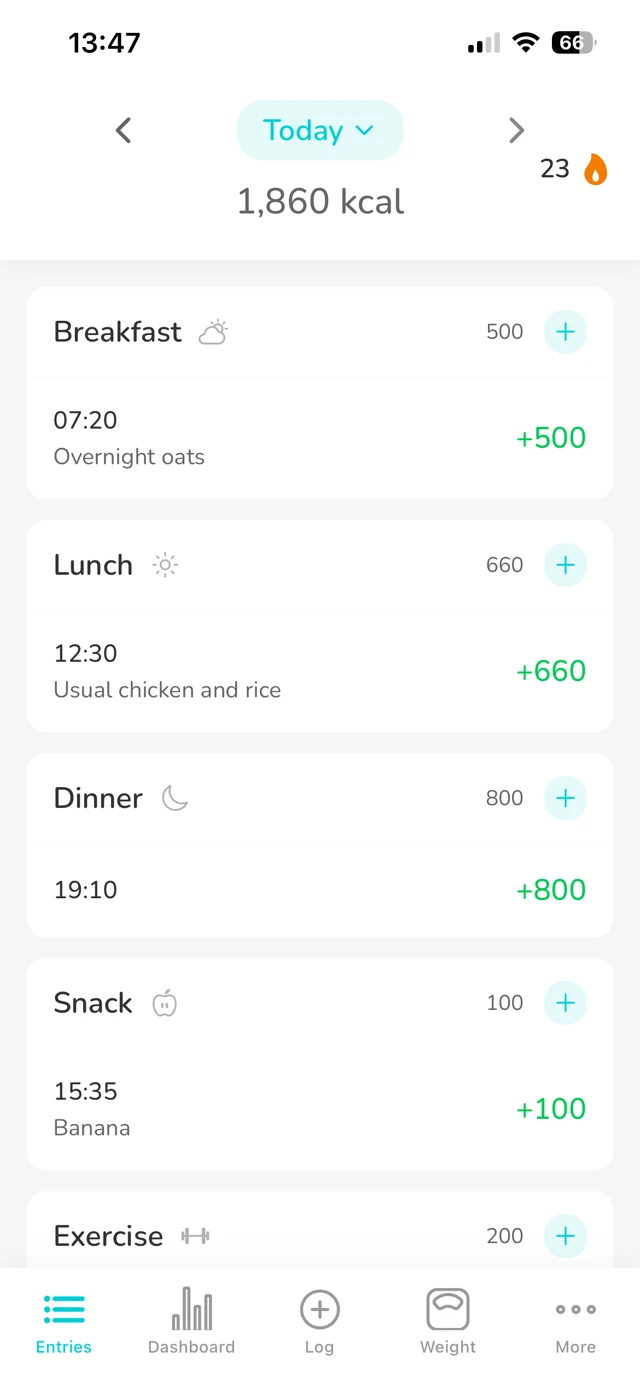
Log the calories of a meal or workout in a few seconds, then carry on with your day.
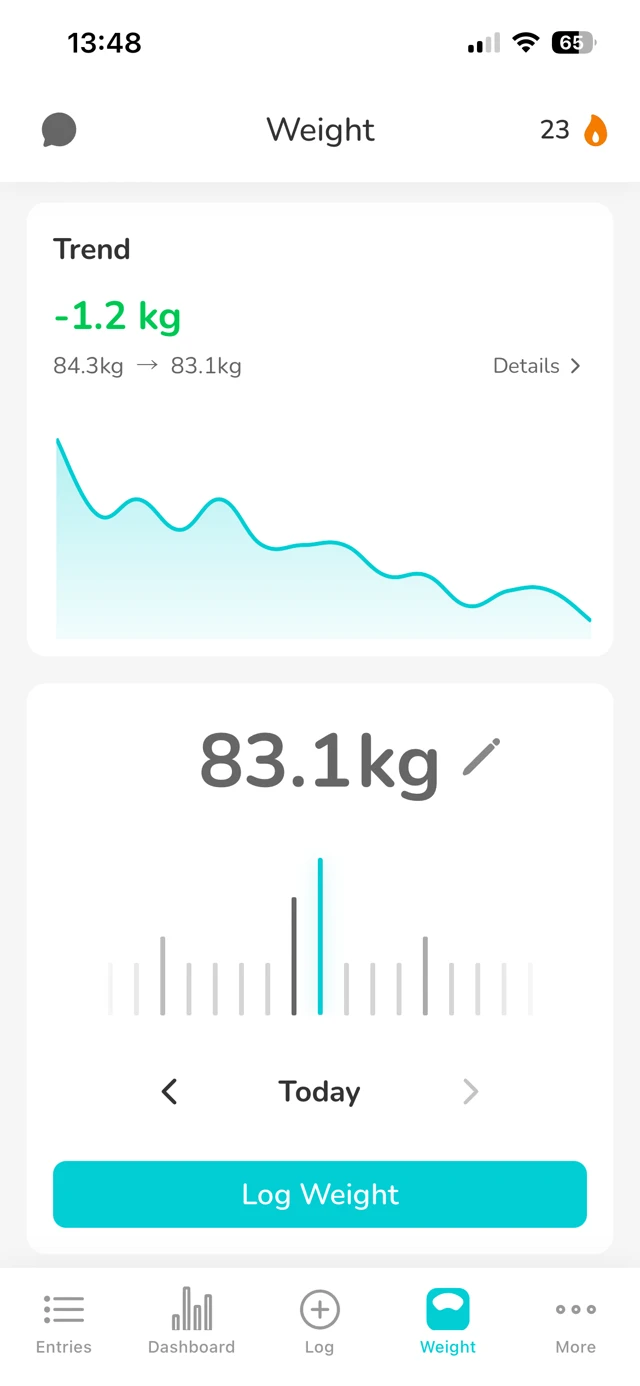
Add your weight in a few seconds. Regular weigh-ins give Caligo the signal it needs to set your target.
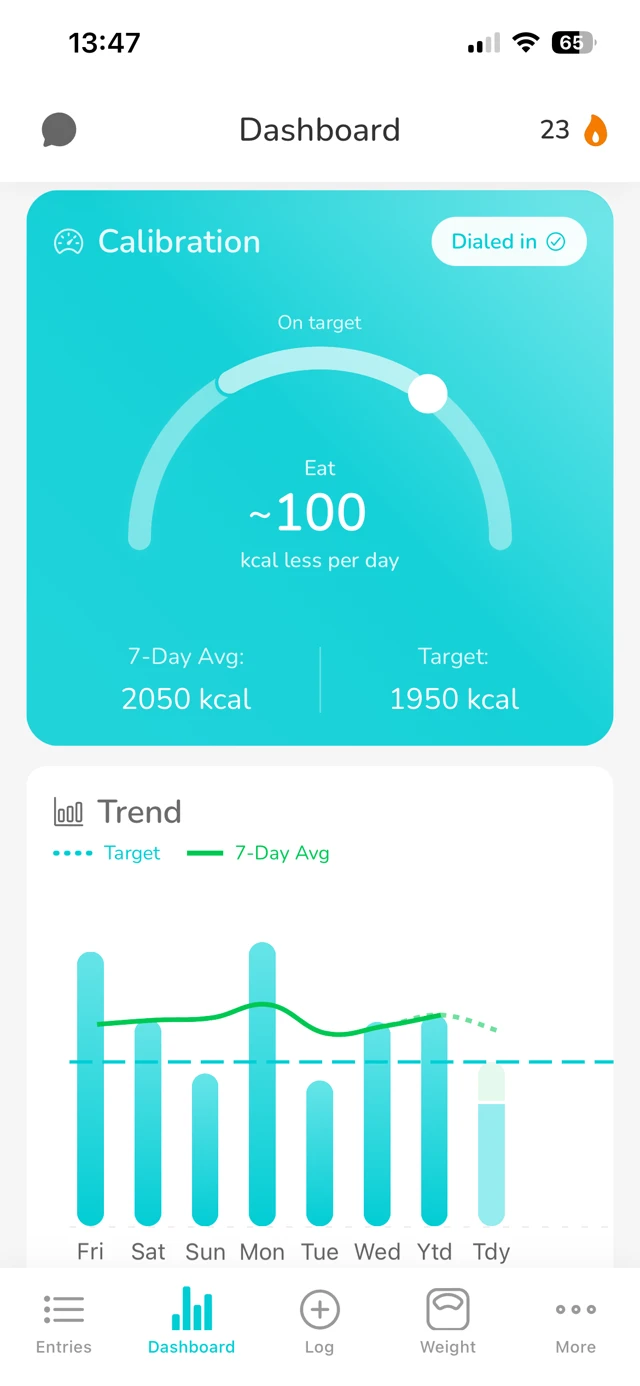
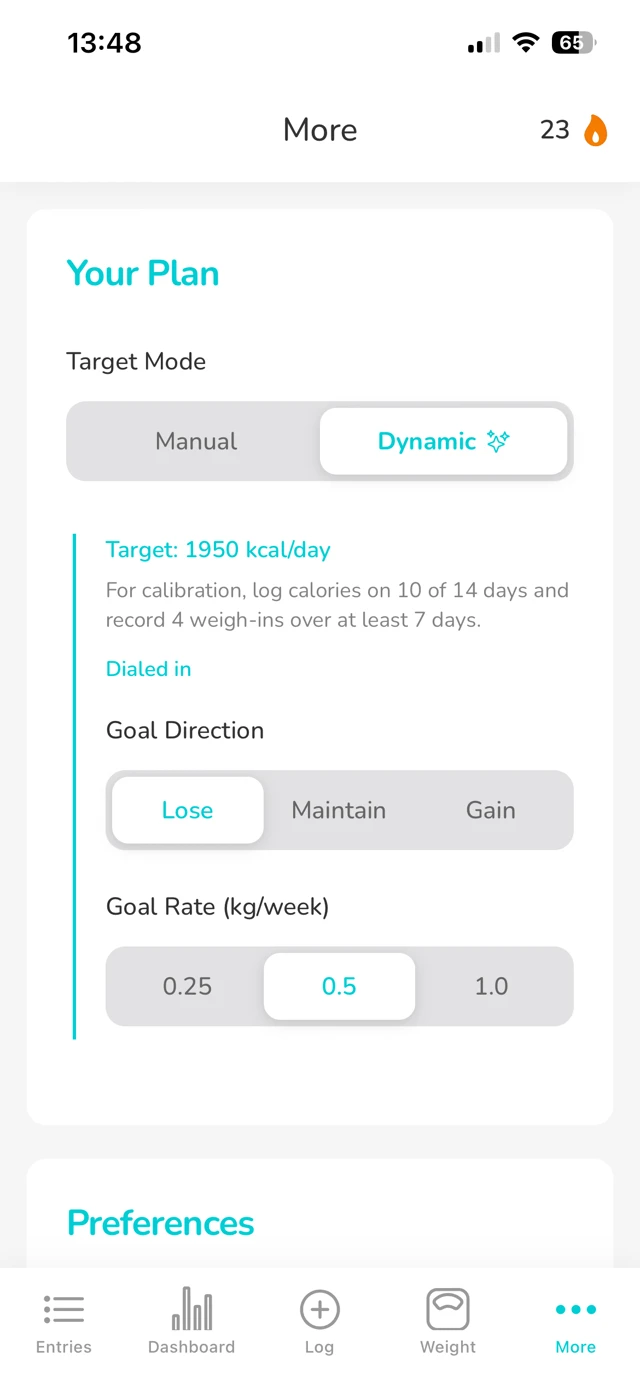
After an initial calibration phase, your calorie target adapts to your weight trend, not single-day noise.
Why it works
Food labels are estimates, and real-world results vary by person. Caligo uses your weight trend to calibrate targets to what actually works for you.
Caligo adapts to you, not the other way around.
Calibration
~14 days
Why it's different
Caligo keeps the interface light while adapting your targets from real trend behavior.
Swipe-first logging makes consistency feel effortless.
Targets follow your weight trend, so you don’t need per-meal perfection to stay on track.
No clutter. No nags. Just what you need to make the next small decision.
Everything is stored on-device by default. We collect limited anonymized analytics to improve the app (which you can opt out of). We will never sell your data.
Why I made Caligo
I've started countless diets over the years, and I was just fed up with having to use calorie tracking apps.
I felt myself obsessing over every calorie and macro. I was bombarded with ads and premium upsells. My own data was hidden behind a paywall.
My first successful long-term diet was when I didn't even use an app: I just kept a rough running total of calories in my head. That was the inspiration behind Caligo.
I built it to be as frictionless as possible to use. I wanted to be able to track with a single gesture.
Trust and safety
Caligo supports long-term health habits with neutral language and clear boundaries.
Support resources: National Eating Disorders Association (NEDA)
Screenshots
Caligo is designed to stay minimal and neutral.
FAQ
If you have any other questions, feel free to reach out to us at hello@caligotracker.app.
Caligo isn’t trying to be perfect meal-by-meal. It’s designed to be directionally right and consistent, then use your weight trend to “pull” your targets toward reality over time. If your estimates are a bit off but you log the same way each day, it can still work well.
You can still use it with rough estimates. Think “400-ish” not “427.” If you genuinely have no idea how many calories foods typically have, you’ll probably want a database-style tracker first. Caligo is best once you’ve got basic intuition.
It’s the first couple of weeks where Caligo watches your logging + weigh-ins to learn your baseline and how you tend to estimate. After that, your target adjusts based on trend, not day-to-day noise.
Most days helps. Missing a day won’t break anything, consistency over weeks matters more than perfect streaks. Same idea for weigh-ins: regular beats flawless.
Not currently. We might add it in a future update if there is demand for it!
Yes, as a controlled gain target. Caligo helps keep your rate of gain steady. For a ‘lean bulk’, sufficient training and protein intake still matter.
Data lives on the device, and we only collect anonymized analytics to improve the app (which you can opt out of). If you sign up for the newsletter, your email is used only for Caligo updates. We will never sell your data.
No. It’s a self-tracking tool. If tracking starts to feel obsessive or distressing, pause and get support.
Stay in the loop
Get occasional Caligo updates, launch notes, and product improvements in your inbox.
Thanks, . We'll send Caligo updates when there is something worth sharing.